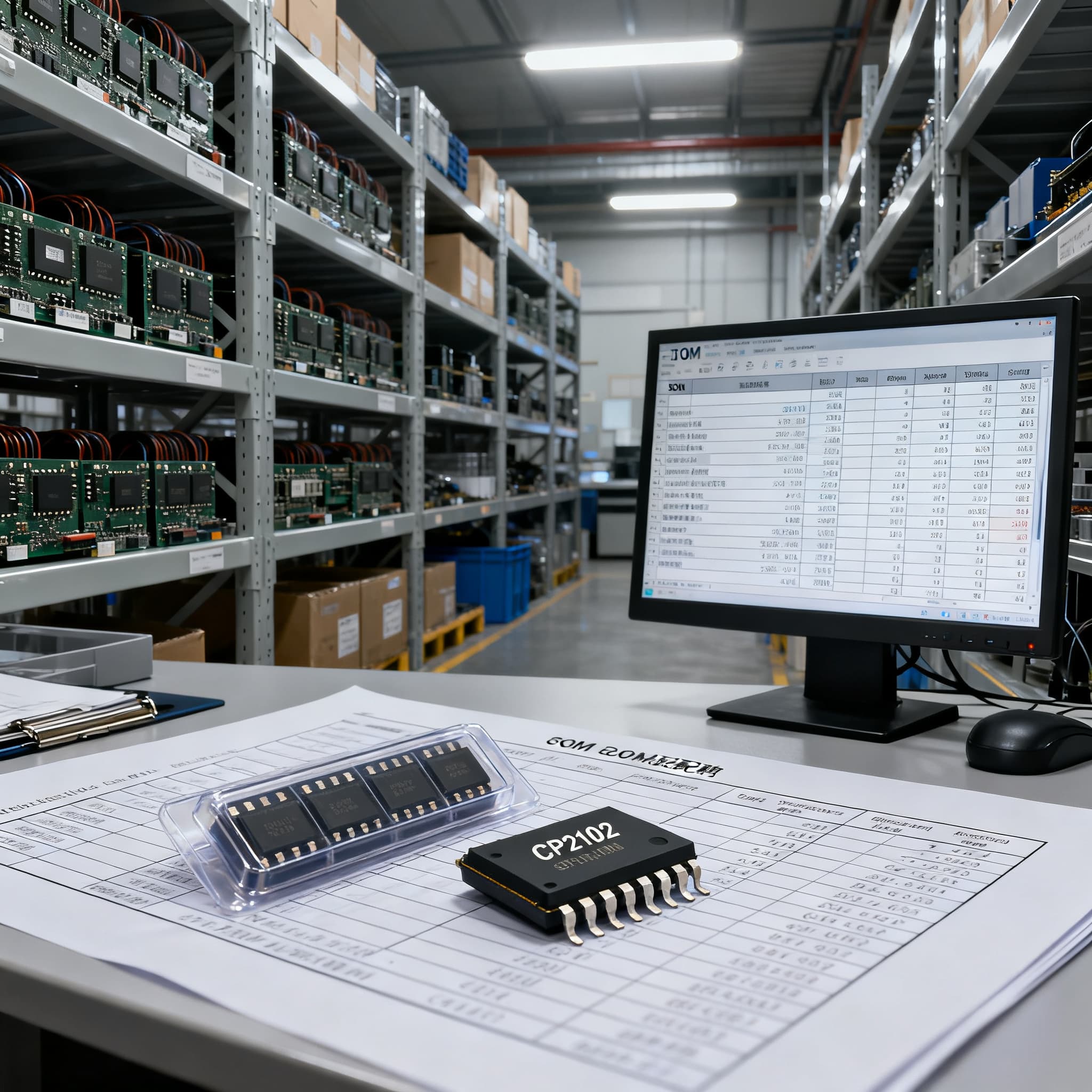
CP2102 is NRND — What Procurement Teams Should Do
CP2102 procurement checklist: datasheet specs and pinout fields to verify on RFQ, plus BOM upload path on BOMNow.
Why CP2102’s NRND Status Is a Procurement Wake-Up Call
For more than a decade the CP2102 has been the go‑to USB‑to‑UART bridge in embedded designs, from industrial controllers to consumer gadgets. But Silicon Labs has moved the part to NRND—Not Recommended for New Designs. That status change is not an end‑of‑life notice yet, but it is a signal that active supply management can no longer wait. The original CP2102/9 datasheet (Rev. 1.8) remains the baseline specification, but procurement teams who ignore the NRND flag risk a scramble for residual stock, extended lead times, and a production halt that could have been avoided.
NRND means the manufacturer is no longer promoting the CP2102 for new designs, and while it is still available through authorized distribution, future wafer starts are not guaranteed. The practical consequences are rising minimum‑order quantities, shrinking distributor inventory, and a last‑time‑buy window that may close without warning. For OEMs and EMS providers with a multi‑line BOM that includes the CP2102, the clock is already ticking. The best move is to treat the NRND announcement as a procurement wake‑up call: validate existing stock, lock in a last‑time‑buy quantity for your current production forecast, and begin the migration to a replacement while there is still headroom to qualify a new part without stopping the line.
Even if your design is stable and you have no immediate plans to re‑spin the board, the NRND status will eventually make the CP2102 harder to source at acceptable prices. Authorized distributors may already be allocating remaining inventory, and the open market introduces traceability and counterfeit risks that procurement managers are rightly cautious about. The following sections unpack the technical baseline you are replacing, compare the recommended Silicon Labs successors, and lay out a concrete migration plan that protects your production schedule.
Inside the CP2102: What You’re Replacing
Before you can evaluate a replacement, you need a clear picture of what the CP2102 actually delivers in your design. The part is a highly integrated USB‑UART bridge controller that appears as a Virtual COM Port to the host. According to the CP2102/9 datasheet, it integrates a USB 2.0 full‑speed transceiver, an on‑chip oscillator (no external crystal required), a 3.3 V regulator, and a UART with full RS‑232 handshaking signals—including RTS, CTS, DTR, DSR, DCD, and RI. This level of integration meant that many legacy RS‑232 designs could be updated to USB without firmware changes, which is why the CP2102 became so deeply embedded in the industry.
The older CP2102 datasheet (Rev. 1.2) also references the evaluation kit CP2102EK, which is still useful for bench testing of candidates. Even if the original kit is no longer sold, the reference design can be reproduced to validate a replacement’s behavior under your actual bus conditions.
The table below captures the key parameters procurement and engineering teams need to match when looking at successors. These are the non‑negotiable baseline requirements for any drop‑in candidate.
| Parameter | CP2102 Value | Unit/Notes |
|---|---|---|
| USB compliance | USB 2.0 full‑speed (12 Mbps) | Integrated transceiver |
| UART baud rate | 300 to 921,600 | bps; supports non‑standard rates |
| Supply voltage (VDD) | 3.0 to 3.6 | V |
| I/O voltage | 3.3 V tolerant (5 V tolerant inputs on some pins) | Refer to datasheet pin table |
| Package | QFN‑28 (5 × 5 mm) | Lead‑free, RoHS |
| Operating temperature | –40 to +85 | °C |
| On‑chip oscillator | Yes (no external crystal) | Internal 48 MHz |
| RS‑232 handshaking | Full: RTS, CTS, DTR, DSR, DCD, RI | Hardware flow control |
| GPIO | 4 (suspend/active indicators) | Configurable |
| VCP drivers | Silicon Labs VCP (Windows, Mac, Linux) | Also USBXpress direct access |
Tip: When you upload your BOM to a sourcing partner, include the exact package code and a note that the CP2102 is the QFN‑28 variant. The ordering code in the datasheet is CP2102‑GM, but confirm the exact suffix with your engineering team. The QFN‑28 footprint is critical—many successors use different packages, as you will see in the comparison section.
CP2102N vs. CP2102C vs. Other Bridges: A Replacement Comparison
Silicon Labs recommends two primary migration paths from the CP2102: the CP2102N (USBXpress family) and the CP2102C. Both are USB‑UART bridges with integrated transceivers, but they target different design constraints and package footprints. The AN976 porting guide details the migration from CP210x devices to the CP2102N, while the AN1505 porting guide covers the transition to CP2102C. A wider market alternative article from Utmel also mentions FTDI and Prolific options, but those come with a different driver ecosystem and usually require a board redesign.
The comparison matrix below is designed for procurement teams to quickly filter candidates before engaging engineering. It highlights the most important decision points: package compatibility, driver continuity, and the need for an external crystal.
| Comparison Metric | CP2102N (A02 revision) | CP2102C | FTDI FT232 / Prolific PL2303 (for reference) | Selection Criteria & Failure Boundary |
|---|---|---|---|---|
| NRND status | Active, recommended for new designs | Active | Not Silicon Labs; active, but ecosystem change | Prefer active parts with manufacturer roadmap |
| Package options | QFN‑20, QFN‑24, QFN‑28 | QFN‑24, QFN‑28 | SSOP‑28, QFN‑32, etc. | QFN‑28 (CP2102N‑A02‑GQFN28) can be pin‑compatible with CP2102; verify footprint |
| USB speed | USB 2.0 full‑speed | USB 2.0 full‑speed | USB 2.0 full‑speed | No change required |
| UART features | Full RS‑232 handshaking, baud up to 3 Mbps | Full handshaking, baud up to 1 Mbps | Full handshaking, baud up to 3 Mbps (FT232H up to 12 Mbps) | CP2102N supports faster data rates; CP2102C matches CP2102 max |
| Internal oscillator | Yes (no external crystal) | Yes (no external crystal) | Some FTDI parts require crystal | Keep BOM simple; CP2102N/CP2102C eliminate external crystal |
| VCP driver compatibility | Yes, same Silicon Labs VCP driver set | Yes, same VCP drivers | Requires FTDI D2XX / Prolific drivers | Silicon Labs path avoids host‑side driver requalification |
| GPIO count | Up to 7 (depends on package) | Up to 4 | Varies | Match existing design’s GPIO usage |
| Supply voltage | 3.0–3.6 V (internal reg) | 3.0–3.6 V | 3.3 V or 5 V (with external regulators) | No major change |
Key takeaway: The CP2102N in the QFN‑28 package appears to be the most straightforward path, but the AN976 document explicitly warns that not all CP2102N packages are footprint‑compatible with the original CP2102. The CP2102C, detailed in AN1505, is a cost‑optimized alternative that may be suitable if you do not need the higher baud rate of the CP2102N. The final CP2102N datasheet provides the complete ordering information and revision details, so always reference the latest revision when placing a quote.
How to Migrate Your BOM Without Disrupting Production
Moving away from the CP2102 is a cross‑functional effort. Procurement can lead the charge, but success depends on early collaboration with engineering. The steps below are designed to keep production running while you validate a replacement.
- Audit every BOM that contains the CP2102. Start with your ERP or PLM system and pull all active assemblies. Identify the exact ordering code (CP2102‑GM or customer‑specific variant) and the forecasted annual volume. This gives you the last‑time‑buy quantity you must secure.
- Verify schematic and footprint compatibility. Using the AN976 and AN1505 porting guides, check whether the CP2102N QFN‑28 or CP2102C matches your board layout. Pay special attention to the external component changes: the CP2102N/CP2102C do not require an external crystal, so you may be able to remove or repurpose that footprint. However, the pin‑out of the QFN‑28 CP2102N is not identical to the original CP2102 in all cases—confirm every pin against the datasheet.
- Check driver and OS support. Silicon Labs’ VCP drivers are compatible across the entire family, so host‑side software often needs no changes. Still, test the driver installation on your target operating systems, especially if you use custom VID/PID programming or the USBXpress direct‑access driver. Request a sample from your distributor and run a full regression test.
- Engage authorized distributors early. Contact your distributor for the CP2102N (or CP2102C) and place a sample order. At the same time, negotiate a last‑time‑buy of the CP2102 to cover your production until the replacement is qualified. Authorized distribution ensures traceability and factory‑fresh date codes.
- Test with the legacy evaluation kit. If you still have a CP2102EK board, use it as a reference to compare the behavior of the replacement under real USB traffic and UART flow control. This can catch subtle timing differences before they appear in field failures.
- Monitor Silicon Labs PCN alerts. Subscribe to the Silicon Labs PCN page so you are notified immediately if the CP2102 moves to EOL or if the replacements receive a revision change. That will directly affect your procurement timing.
The table below summarizes the timeline and trade‑offs of the key actions. Treat it as a framework for your migration project plan.
| Action | When to Use | Trade‑off |
|---|---|---|
| Last‑time‑buy of CP2102 | Immediately, to cover 12–18 months of forecast | Capital tied up in inventory; risk of obsolescence if replacement is qualified faster |
| CP2102N QFN‑28 evaluation | As soon as engineering can review AN976 | Possible board re‑spin if pin‑out mismatches; requires new layout if migrating to smaller QFN |
| CP2102C evaluation | If cost is a primary driver and high baud rate is not needed | Lower maximum baud rate, fewer GPIO; verify driver compatibility |
| Non‑Silicon Labs bridge (FTDI, Prolific) | Only if a full board redesign is planned | Different driver stack, new USB‑vendor ID, longer qualification cycle |
| Full BOM upload for consolidated quote | When you have finalized the replacement MPN and need competitive pricing | Ensures you capture multi‑line pricing and avoid single‑source lock |
After the technical validation is complete, the next step is procurement execution. Upload your entire BOM to a sourcing partner to get a consolidated quote that covers both the residual CP2102 last‑time‑buy and the new replacement parts. This avoids the pitfall of negotiating separate lines and helps you manage the transition budget in one place. The References section below lists all the datasheets and application notes cited for your engineering team’s review.
CP2102 Sunset: Procurement Questions Answered
- Q: Is the CP2102 completely unavailable, or can I still buy it?
- The CP2102 is NRND, not yet EOL. Authorized distributors may still have limited stock, but new designs should not use it. Check distributor inventory quickly and consider a last‑time‑buy order to cover existing production while you validate a replacement.
- Q: Can I use the CP2102N as a direct drop‑in replacement for the CP2102?
- Not always. The CP2102N comes in QFN‑20, QFN‑24, and QFN‑28 packages. The QFN‑28 version (CP2102N‑A02‑GQFN28) can be pin‑compatible with the original CP2102, but you must verify the exact footprint and any external components (e.g., the CP2102N does not require an external crystal). The AN976 porting guide details all hardware differences.
- Q: What about the CP2102C? How does it compare to the CP2102N?
- The CP2102C is also a USB‑UART bridge with integrated transceiver, but it targets cost‑sensitive applications and may have a slightly different feature set. The AN1505 porting guide shows that the CP2102C is a replacement for CP210x devices, but you should check USB speed, GPIO availability, and VCP driver support. It is not a drop‑in for all CP2102N footprints.
- Q: Will my existing USB Virtual COM Port drivers work with the new part?
- Yes, Silicon Labs’ VCP drivers are compatible across CP2102, CP2102N, and CP2102C, so host‑side software often requires no changes. However, always test driver installation on your target OS, especially if you use custom VID/PID or USBXpress direct‑access drivers.
- Q: Are there non‑Silicon Labs alternatives, like FTDI, that I should consider?
- FTDI FT232 and Prolific PL2303 are common USB‑UART bridges, but they use different drivers and require a board redesign. They may be an option if you plan a full PCB rev, but the CP2102N/CP2102C migration path keeps the Silicon Labs ecosystem and driver model, minimizing qualification effort.
- Q: What is the real lead time for CP2102N in 2025, and how should I plan my procurement?
- Lead times vary, but as a recommended replacement the CP2102N is generally available from authorized distributors. Early engagement with suppliers and ordering in advance for scheduled production runs is advisable. Use the CP2102N datasheet ordering guide to specify the exact package and revision, and monitor Silicon Labs’ PCN alerts for any changes.
References & Further Reading
- CP2102/9 Datasheet, Rev. 1.8 – Silicon Labs
- CP2102 Datasheet, Rev. 1.2 (with CP2102EK reference) – Hosted by SparkFun