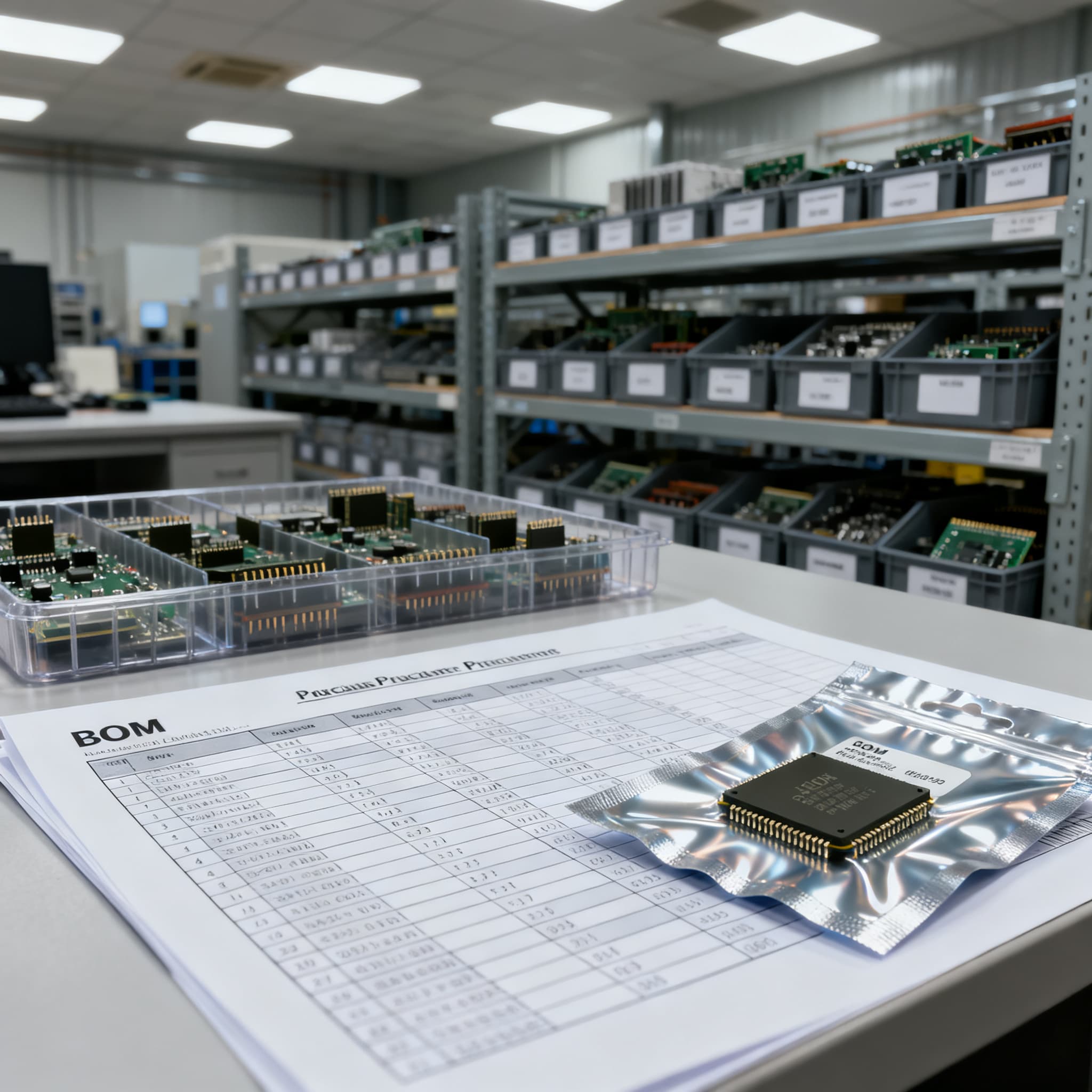
Obsolete Component Procurement Risk Checklist for BOMs
How procurement teams handle shortage, EOL, and hard-to-find lines inside a multi-line BOM without inventing market claims.
The Silent BOM Killer: How Obsolete Components Spark Line Stops and Counterfeit Infiltration
Procurement teams are no longer just pushing purchase orders—they’re running a live risk audit on every bill of materials. A single end-of-life (EOL) device can stop an entire PCBA build, and the numbers from 2026 make it clear why obsolescence is the most expensive surprise on any BOM. According to ERAI’s 2025 annual report, 60.02% of reported counterfeits were obsolete parts, and nearly a quarter of those fakes passed purely electrical testing—meaning they can slip right through a basic incoming inspection. When you add the fact that gray‑market failure rates for high‑demand MCUs and power MOSFETs exceed 5%, the cost of a line stop and recall quickly dwarfs any per‑part savings from unverified stock.
A multi‑line BOM can hide a dozen NRND (Not Recommended for New Design) flags months before they become allocation nightmares. GlobX’s recent semiconductor supply‑chain analysis shows that a BOM evaluation against lifecycle and availability data can identify components at risk 6–12 months before they turn critical. Couple that with the Melsonchip pre‑production questionnaire that recommends a BOM health review checking lifecycle status, lead time, and second‑source options, and you have a clear action plan: transform the standard bill of materials from a static list into a living obsolescence‑risk checklist. This article gives you the structure to do exactly that.
Key drivers fueling obsolescence risk in 2026:
| Driver | Mechanism | Procurement Impact |
|---|---|---|
| Shorter product lifecycles | Consumer and industrial ICs moving from 7‑year to 3‑4‑year active windows. | Parts declared EOL during prototype or early production without warning. |
| OEM PCN/EOL notifications | Manufacturers issue product change notices (PCNs) and final lifetime buy windows. | Risk checklist must cross‑reference current PCNs; missing a notice forces a scramble for last‑time buys or gray‑market sourcing. |
| Lead‑time volatility on mature nodes | Capacity shifts to advanced nodes leave legacy 180nm–90nm lines constrained. | 30‑week‑plus lead times for single‑source MCUs and power devices make redesign or lifetime buys unavoidable. |
| Counterfeit targeting of EOL parts | Obsolete components are the primary target; 23.37% of faked brands are newly surfaced. | Substandard stock passes simple electrical checks, leading to field failures and recalls months after production. |
| Regulatory phase‑outs (RoHS/REACH) | Substance restrictions force termination of lead‑finish or legacy package variants. | A compliant alternative may not be a drop‑in replacement, triggering a requalification cycle. |
These aren’t hypothetical scenarios—they’re the daily reality for OEM and EMS buyers managing multi‑line BOMs. The key is to recognize that an obsolescence‑risk checklist doesn’t add paperwork; it replaces the panic that comes when a line suddenly goes dark.
What’s Inside an Obsolete Component Risk Checklist? A BOM Health Framework
A truly risk‑aware BOM goes far beyond part numbers and quantities. It embeds procurement intelligence directly into the component line items so that engineering and supply‑chain teams see the same red flags. Drawing on the fields highlighted in Cofactr’s definitive BOM guide—lifecycle state, approved alternates, compliance attachments—and ChecklistGuro’s lifecycle categorization template, the checklist turns every line item into a binary go/no‑go for production readiness.
The core fields you need on every line of a procurement‑grade BOM:
- Lifecycle state – Active, NRND (Not for New Design), or Obsolete. Source directly from manufacturer PCNs and franchised distributor data, not a single aggregator. NRND is a bright yellow flag: production is safe today, but the redesign clock is ticking.
- Lead‑time volatility – Current lead time and the last 6‑month trend. A part sitting at 8 weeks may jump to 26 weeks after an allocation event, turning “available” into “line‑stop” overnight.
- Approved alternates / substitutes – At least one engineering‑vetted replacement per critical IC, with the same package and pin‑out if possible. The goal is to have a qualified second source before the primary part goes EOL.
- Package‑type fragility – Watch for older packages (e.g., DIP, PLCC, certain QFP variants) that are being phased out. A pin‑compatible successor may still need a footprint tweak if the package changes.
- Compliance flags – RoHS, REACH, and any relevant conflict‑mineral status. A non‑compliant alternative isn’t an alternative at all for products shipping into the EU.
- Second‑source availability – Is the exact MPN or a functionally equivalent device stocked by at least two franchised distributors? A single‑source IC with a 30‑week lead time automatically raises the checklist severity to “red.”
A real‑world example: a 32‑bit Arm® Cortex®‑M4 MCU that suddenly moves to NRND is the classic checklist trigger. Engineering may still use it for a bridge build, but procurement immediately flags the line, opens the approved‑alternate database, and starts the lifetime‑buy analysis before the part hits EOL. Altium’s BOM management guide reinforces this approach: continuous lifecycle monitoring and alternate qualification are what turn a static BOM into a supply‑chain safety net.
When a Part Goes Obsolete: Redesign, Last‑Time Buy, or Risk the Gray Market?
Once a critical component crosses the EOL threshold, the buyer faces three distinct paths—each with its own cost, timeline, and risk profile. The right choice rarely comes from instinct; it comes from the checklist you built during the NRND phase. Below is a side‑by‑side comparison that reflects the decision drivers highlighted by BestPCBS (prototype deadlines vs. cost pressure), Altium’s PCB procurement checklist (automated flagging of high‑risk parts), FastturnPCBA’s sourcing requirements (availability, lifecycle, alternates), and Alibaba’s supplier guide (documented RoHS/REACH status as a minimum bar).
| Strategy Option | Lead Time / Cost | Requalification Effort | Counterfeit Risk | When Appropriate |
|---|---|---|---|---|
| Pin‑compatible redesign or drop‑in alternative | Engineering time (weeks to months), cost of new qualification, but long‑term unit cost may be lower. | Moderate to high: electrical validation, firmware adjustment possible, compliance re‑test. | Low if sourced from authorized channels. | When the original part is a single‑source IC with lead time beyond 30 weeks, or when lifetime‑buy spend is uncertain. IC‑Online notes the cumulative risk of unverified stock often makes a redesign cheaper. |
| Last‑time buy (LTB) | High upfront cash outlay; inventory carrying cost for years. | None—exact same MPN. | Low if procured direct or through franchised distribution. | When forecasted demand is stable and the part has no direct replacement. Best for mature products with a defined end‑of‑service date. |
| Open / gray market sourcing | Potentially low unit price, but quality cost is hidden. | None—same MPN on paper. | High: 60% of reported counterfeits are obsolete parts, and >5% failure rate for MCUs/MOSFETs. | Only as a temporary bridge while a redesign is underway, and only with full traceability, in‑house electrical testing, and third‑party decapsulation. Never for production runs without documented inspection protocols. |
The power of the obsolescence‑risk checklist is that it forces the team to evaluate all three options before the EOL notice lands. When the checklist shows an NRND flag and no approved alternate, engineering and procurement can collaborate on a redesign plan while the part is still available for bridging stock—avoiding the desperation that drives buyers to untested gray‑market sources.
From Checklist to Action: Embedding Obsolescence Risk Analysis into Your Procurement Workflow
A static checklist stuffed in a shared folder is no better than no checklist at all. To stop EOL surprises, the framework must become part of the procurement heartbeat. The process starts with a quarterly BOM health review, just as GlobX’s evaluation service and Melsonchip’s pre‑production risk questionnaire advocate: pull lifecycle data, lead‑time trends, and second‑source availability for every line item that touches a PCBA.
Connecting your PLM or ERP system to real‑time lifecycle feeds—whether from franchised distributors, manufacturer PCN portals, or third‑party aggregators—turns the checklist into an active alert. Altium’s collaborative BOM management tools demonstrate the value: when procurement and engineering share the same dataset, a lifecycle change triggers an automatic review task, not a surprise email two weeks before production.
Practical steps to embed the checklist into daily operations:
- Schedule a quarterly BOM health review. Block a recurring meeting with engineering and procurement leads. Run every active BOM line through the lifecycle, lead‑time, and alternate checks. Treat any line marked NRND as a project that needs a redesign timeline or a lifetime‑buy decision.
- Build an approved‑alternatives library now. Don’t wait for EOL notices. Have engineering qualify at least one pin‑compatible or functionally equivalent alternate for each single‑source IC. Store the qualification data (footprint, firmware impact, compliance) directly in the PLM.
- Enforce checklist sign‑off gates. At design review, the BOM must show lifecycle status for all parts, and at mass‑production release, no NRND or unapproved‑alternate line items should slip through without a documented justification.
- Automate lifecycle alerts. Use your BOM management system to pull real‑time status from multiple authorities. A part that shifts from Active to NRND should flash red on your dashboard, not just in a PDF you’ll open next quarter.
- Tie last‑time‑buy planning to the checklist. When the checklist flags a part as NRND with no second source, immediately calculate a lifetime‑buy quantity based on projected demand and a buffer. Procrastination here turns a manageable cash outlay into a frantic gray‑market purchase.
Below is a mitigation table that maps the most effective actions to the moment they should be triggered, along with the trade‑offs every buyer should understand:
| Action | When to Use | Trade‑off |
|---|---|---|
| Quarterly BOM health review | All active products, indefinitely. | Requires dedicated time from engineering and procurement; the payoff is catching NRND shifts 6–12 months early. |
| Automated lifecycle alerts | As soon as a PLM or BOM management tool is in place. | Initial integration effort; after that, you’ll be alerted before a manual review would catch the change. |
| Pre‑qualified alternates library | During new product introduction for every single‑source IC. | Engineering cost upfront, but it slashes re‑design cycle time from months to days when an EOL hits. |
| Cross‑functional sign‑off gates | At prototype release and pre‑mass‑production review. | Adds a formal step to the release process; eliminates the “we didn’t know” scenario. |
| Last‑time buy planning | When a part moves to NRND and no alternate is ready. | Large cash outlay and inventory liability; compare against the cost of a redesign to find the break‑even point. |
Embedding these steps doesn’t require a digital transformation overhaul. Even a shared spreadsheet connected to manufacturer PCN feeds puts you ahead of most teams. What matters is that the checklist becomes a living document, reviewed as regularly as your production schedule.
Hard Questions About Obsolete Component Risk That Every Buyer Should Be Asking
Q: How early should we check BOMs for end‑of‑life risks before production?
At least 6–12 months before the planned production ramp. GlobX’s analysis shows that a BOM evaluation against lifecycle and availability data can spot parts at risk half a year before they become critical. Running a health review during the prototype phase and again at each design freeze catches NRND transitions before they turn into obsolete‑part emergencies.
Q: What’s the real failure rate when buying obsolete components from unauthorized sources?
Gray‑market failure rates exceed 5% for popular MCUs and power MOSFETs, according to IC‑Online. ERAI’s data reveals that 60% of reported counterfeits are obsolete parts, and nearly a quarter of those passed purely electrical testing, meaning they could slip past simple verification. The hidden cost of a line stop and recall often outweighs any upfront price discount.
Q: When does a PIN‑compatible redesign make more sense than paying a premium for scarce last‑time buy stock?
Typically when the original part is a single‑source IC with a lead time beyond 30 weeks. IC‑Online notes that the cumulative risk of unverified stock often makes a redesign cheaper. Additionally, if the part requires a significant last‑time buy cash outlay and forecasted demand is uncertain, qualifying a functionally equivalent alternative—even with minor layout changes—reduces long‑term supply chain fragility.
Q: Can we rely on lifecycle status information from a single distributor?
No. Lifecycle status should be cross‑referenced across franchised distributors, manufacturer PCNs, and third‑party databases. Distributors may not always flag an NRND in real time, and independent sources like Astute Group (via ERAI) provide a more complete picture of suspected counterfeits and end‑of‑life dates. Building an automated feed that pulls lifecycle data from multiple authorities is a best practice.
Q: What’s the fastest way to identify second‑source alternatives without disrupting an existing PCB layout?
Start with drop‑in or pin‑compatible candidates listed by major suppliers and then filter by package type and footprint. BestPCBS recommends moving quickly when a prototype deadline looms, while the Altium procurement checklist suggests maintaining an ‘approved alternates’ database that engineering has already vetted. A pre‑qualified library of second‑source ICs cuts redesign risk dramatically.
Q: How do we keep our BOM risk checklist alive when we’re managing hundreds of active part numbers?
Automation is essential. Connect your BOM management system to real‑time supplier and lifecycle feeds so that any change in status, price, or lead time triggers an alert. Altium’s collaborative tools allow procurement and engineering to review flagged risks together on a shared dataset. Schedule a quarterly BOM health review as a recurring calendar event, and embed checklist sign‑off in your PLM or new‑product‑introduction gate process.
References & Further Reading
- 2026 Electronic Component Shortage Update for Buyers – IC Online
- Semiconductor Shortage 2026: EU OEM Survival Guide – GlobX
- 2026 Electronic Component Shortage Update – Melsonchip
- Obsolete Components in 2026: EOL Notices & Shortage Data – Dasenic / ERAI
- Alternative Electronic Components for Safer PCBA Builds – BestPCBS
- PCB Procurement Checklist for Assembly Success – Altium
- PCB Component Sourcing: BOM Requirements, Lead Times, Alternatives & Risks – FastturnPCBA
- How to Choose Electronic Component Suppliers: A Practical 2026 Guide – Alibaba
- Bill of Materials (BOM): The Definitive Guide – Cofactr
- Mastering Your BOM: A Comprehensive Checklist Template for Success – ChecklistGuro
- What Is BOM Management? A Practical Guide – Altium
- BOM Management Process: From Design to Procurement Explained – Altium
The obsolete‑component risk checklist isn’t an extra administrative task—it’s the difference between a controlled procurement cycle and a panic buy that puts product quality at risk. When every line on your BOM carries a lifecycle status, a lead‑time trend, and a vetted alternate, EOL notices become manageable events rather than production disasters. At BOMNow, we help procurement teams turn a multi‑line BOM into a single, clear sourcing action: Upload Your BOM for a consolidated quote, and let us handle the cross‑referencing, lifecycle checks, and qualified alternates so your next new product introduction starts with a clean bill of health.